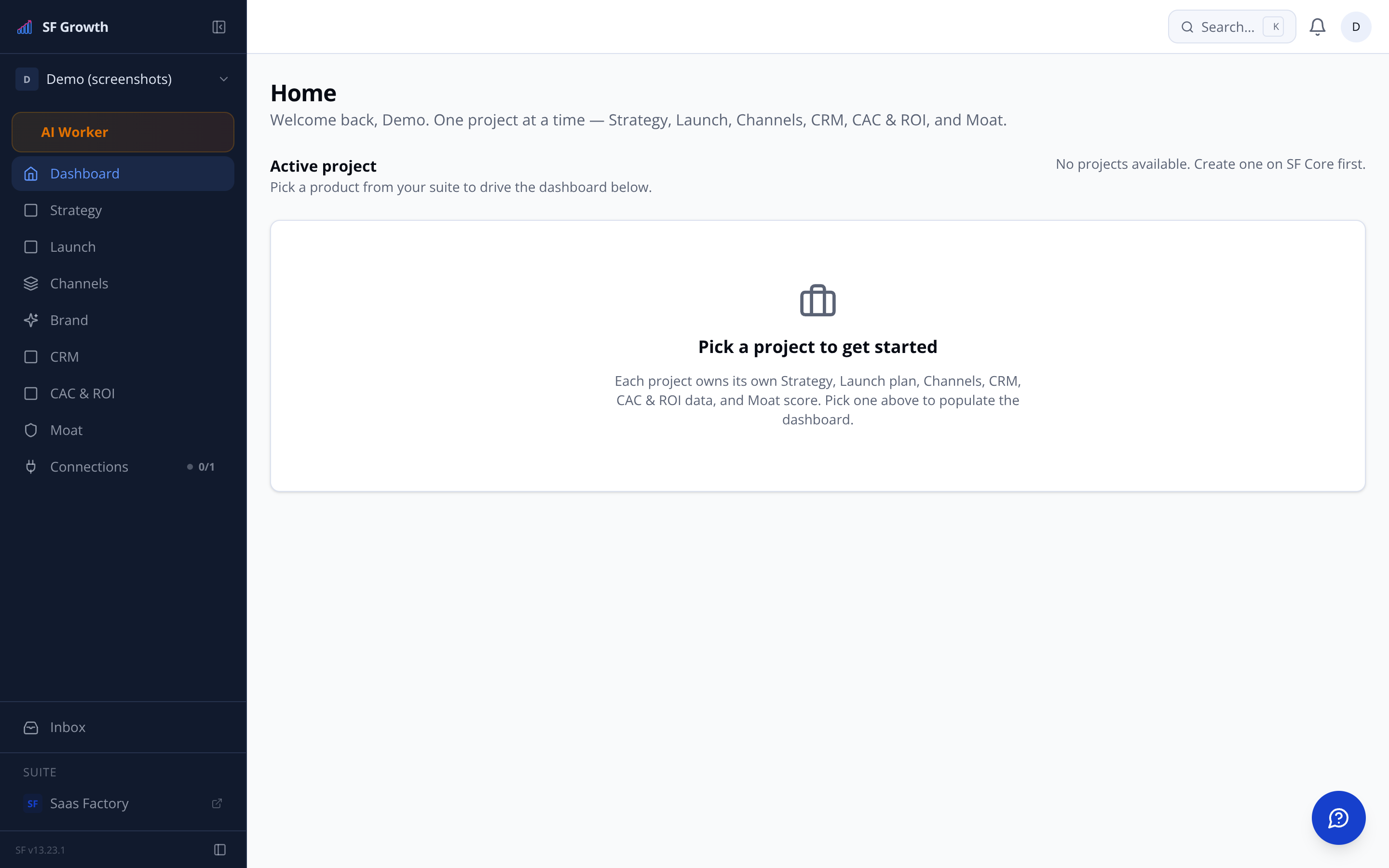
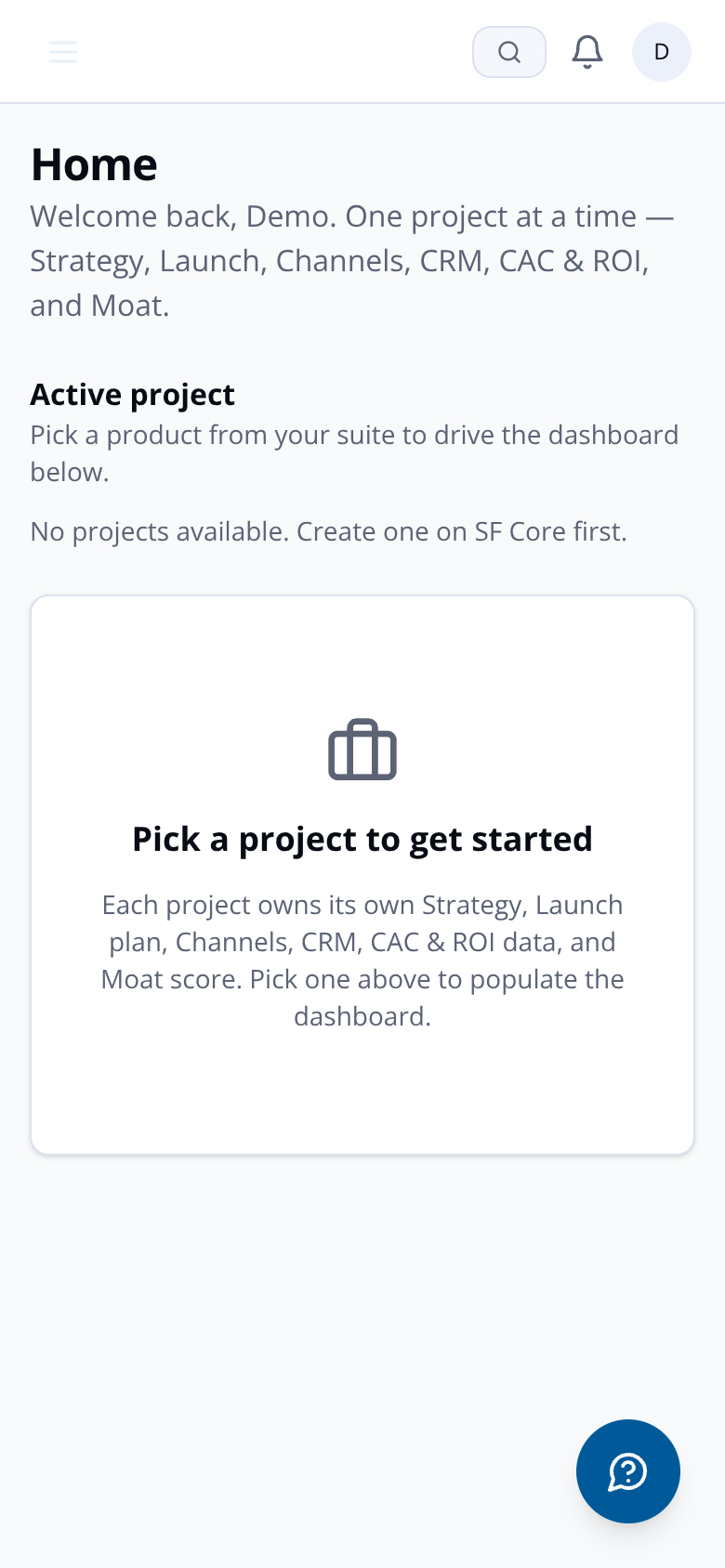
SF Growth reads product context from SF Core via the suite API — mission, market, ICP, brand voice — and cascades it automatically to every channel agent, CRM workflow, and competitor monitor. One source of truth. No copy-paste.
CORE SYNCMission statement pulled from SF Corejust now
ICP AGENTVertical tags refreshed from suite API2 min ago
CHANNEL AGENTBrand voice cascaded to Website sub-agent4 min ago
COMPETITOR MONITORDomain scan triggered for tracked competitor6 min ago
CRM SYNCPre-seed lead promoted to BAU on self-signup9 min ago
PROSPECTING AGENTPer-lead email drafted using don't-say guardrails12 min ago
CORE SYNCLast synced timestamp updated — 14 min ago14 min ago
CORE SYNCMission statement pulled from SF Corejust now
ICP AGENTVertical tags refreshed from suite API2 min ago
CHANNEL AGENTBrand voice cascaded to Website sub-agent4 min ago
COMPETITOR MONITORDomain scan triggered for tracked competitor6 min ago
CRM SYNCPre-seed lead promoted to BAU on self-signup9 min ago
PROSPECTING AGENTPer-lead email drafted using don't-say guardrails12 min ago
CORE SYNCLast synced timestamp updated — 14 min ago14 min ago
CORE SYNCMission statement pulled from SF Corejust now
ICP AGENTVertical tags refreshed from suite API2 min ago
CHANNEL AGENTBrand voice cascaded to Website sub-agent4 min ago
COMPETITOR MONITORDomain scan triggered for tracked competitor6 min ago
CRM SYNCPre-seed lead promoted to BAU on self-signup9 min ago
PROSPECTING AGENTPer-lead email drafted using don't-say guardrails12 min ago
CORE SYNCLast synced timestamp updated — 14 min ago14 min ago
CORE SYNCMission statement pulled from SF Corejust now
ICP AGENTVertical tags refreshed from suite API2 min ago
CHANNEL AGENTBrand voice cascaded to Website sub-agent4 min ago
COMPETITOR MONITORDomain scan triggered for tracked competitor6 min ago
CRM SYNCPre-seed lead promoted to BAU on self-signup9 min ago
PROSPECTING AGENTPer-lead email drafted using don't-say guardrails12 min ago
CORE SYNCLast synced timestamp updated — 14 min ago14 min ago
THE CORE CONNECTION
SF Core is the foundation. SF Growth is the engine on top.
Every piece of strategic intelligence — your mission statement, market positioning, ICP, brand voice — lives in SF Core. SF Growth reads it on first load and keeps it live via the suite API sync. Change something in Core and Growth's agents respond.
Mission statementPulled live from SF Core on load. Read-only in Growth — edit in Core and the change flows down.
Market + Vertical tagsShown under your mission card. Market, Vertical, and Last Synced timestamp. Auto-updated every sync cycle.
ICP auto-populationPrimary ICP and Vertical columns populated from Core on first load. Refresh any time with a single click.
Project picker, org-scopedThe product selector shows only projects your organisation has access to. No cross-tenant data leakage.
Alphabetical project orderingProjects are sorted alphabetically in the picker. Find what you need in one glance, not a scroll.
HOW THE SYNC WORKS
From Core to every agent in four steps.
STEP 01 — CONNECT
SF Core supplies the context
SF Growth reads your mission, market, vertical, and ICP directly from SF Core via the suite API. No manual entry required on first load.
STEP 02 — CASCADE
Strategy populates automatically
Mission statement, ICP bullet cards, and Market/Vertical tags appear in Strategy. Brand voice, don't-say, and don't-talk-about lists are authored here and cascade outward.
STEP 03 — DISTRIBUTE
Every channel agent inherits the context
Website, AEO, SEO, and Prospecting sub-agents all read from the same Strategy output. Change a guardrail in Positioning and every agent picks it up on next run.
STEP 04 — KEEP LIVE
Changes in Core flow back automatically
The Last Synced timestamp in Mission tells you when Growth last read Core. Refresh manually or let the sync cycle keep it current.
console
0.1s> suite.api.fetchProject(orgId)
0.4smission: "Tax compliance for UK landlords"
0.7smarket: UK Residential Property · vertical: PropTech
0.2s> strategy.populate({ source: 'core' })
0.5sICP: UK Portfolio Landlords (5–20 properties)
0.9sbrand-voice + guardrails written → ready to cascade
Every channel reads from the same strategy. No re-briefing agents.
Website sub-agent
Built on SaaS Factory's own stack. Reads mission, ICP, positioning, brand voice, and both guardrail lists from Strategy. Three actions per page: prompt a change, edit directly, or create a new page. Auto-refreshes when Strategy changes in agentic mode.
Live on SaaS Factory subdomain instantly
Connect your own domain via DNS — no builder required
Page-level management: add, remove, configure
Two modes: Draft → Approve → Publish, or fully agentic
AEO + SEO sub-agents
Answer Engine Optimisation sits between Website and SEO in the Channels tab. Per-page content configured for answer engines. SEO sits alongside it. Both inherit brand voice and guardrail lists from Strategy — no separate briefing.
AEO: answer-optimised content per page
SEO: lives inside Channels, not a separate navigation item
Both agents inherit don't-say and don't-talk-about lists
Channel order: All Channels → Website → AEO → SEO → Prospecting
PROSPECTING + CRM
Leads flow in. Context follows them.
The prospecting agent reads each lead's profile — where you found them, what you know about them — and writes per-lead using brand voice, don't-say, and don't-talk-about. Not templates. Every message is individual.
Apify scraper (white-labelled)
SF holds the Apify account. You see active scrapers, lead counts per scraper, and monthly spend. The markup is yours to configure — customers never see it.
CRM auto-linking
When a lead self-signs up and creates a login, the Growth record updates to 'Created Login' status. Auto-linked by email; manual override for mismatches.
Per-lead email outreach
Prospecting agent reads the lead's profile and writes using brand voice + guardrail lists. Single outreach sequence, one message, per-lead — not a bulk template.
CRM architecture: Growth owns pre-sales
Growth CRM has five tabs: Overview, Waitlist, Pre-Seed Leads, BAU Leads, Deals Pipeline, Sources. SF Success is the master for post-signup contacts. One record ties the full journey — from first scraped lead through login through paid usage.
Pre-Seed LeadsScraped or ICP-matched, not yet engaged. Source field shows Apify scraper or ICP match.
BAU LeadsActively engaged or self-registered. Richer profile from multi-source merging — not duplicates.
WaitlistLives inside CRM between Overview and Pre-Seed Leads. Retires automatically after launch.
FEATURES SHIPPED
60
Across Strategy, Channels, CRM, Launch, CAC & ROI, and Moat
COMPETITOR INTELLIGENCE
Find them. Track them. Know when they move.
The Competitors tab sits inside Strategy. Add a competitor by URL — the Growth Agent scans the site and pulls releases, website, ads, content, and company data. Or run Find Competitors and the agent searches your ICP space, shortlists with a one-line summary, and you choose who to track.
Find CompetitorsGrowth Agent searches the web in your ICP space, identifies candidates, and lets you select which to import.
Add by URLEnter a website URL. Agent runs a scan and returns structured fields: Releases, Website, Ads, Content, Company.
Dedupe logicNormalised domain matching across both paths. Already tracking a domain? You'll see 'Already tracking [name]' before anything duplicates.
Monitoring toggleTop-ranked competitor monitoring is free. Additional competitors use tokens. Toggle per competitor to control spend.
Ranked cardsCompetitors surface as ranked cards (#1, #2…) with tier badges and per-field monitoring rows.
Inside StrategyNo separate sidebar item. Competitors live in the Strategy tab alongside Mission, ICP, Positioning, Validation, and Brand Assets.
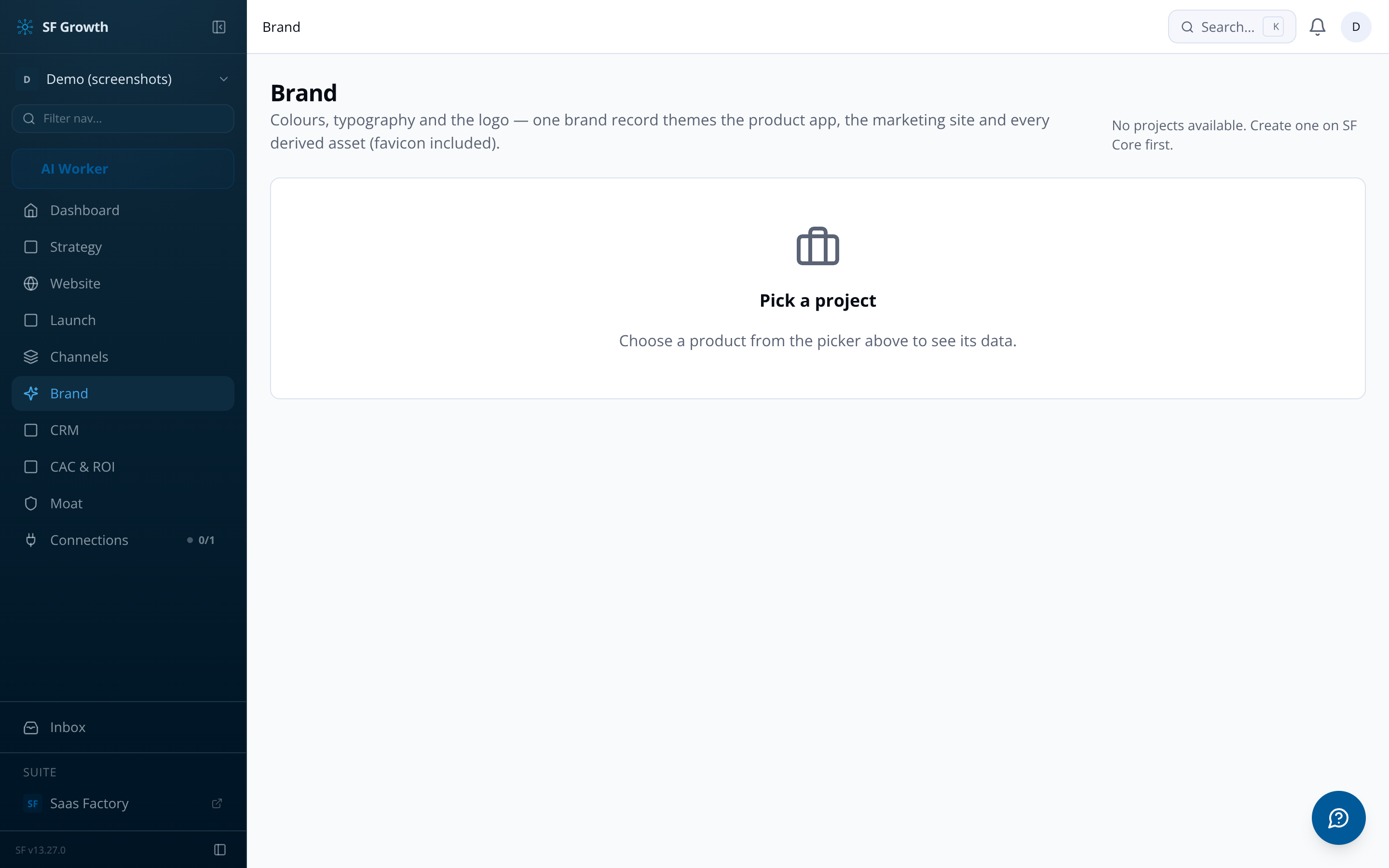
BRAND ASSETS + MOAT
Brand assets generated. Moat score compounding.
Brand Assets — what you upload, what you get back
Upload your logo, brand colours (or let the agent extract them from the logo), and optionally fonts and a brand guidelines PDF. The agent generates the full asset pack.
Favicon + app icons (iOS and Android)
Social profile images for all platform sizes
Email header, OG image, Twitter card
Splash/loading screens, 404 and empty-state graphics
Font selector: common web-enabled font set
Moat Score — the compound intelligence layer
Three pillars — Domain Depth, Workflow Lock-in, Data Flywheel — combine into a single Compounding Moat Score. Read-only, non-exportable: it resets to zero if you leave SF. The score grows with every week of real usage.
GUARDRAIL INHERITANCE
Write your rules once. Every agent obeys them.
Strategy → Positioning holds three guardrail lists: Brand voice, Don't-say, and Don't-talk-about. Every channel sub-agent inherits all three. Change a phrase in Don't-say and it's gone from every future piece of outbound copy — website, AEO, SEO, prospecting email, social — without touching each one individually.
Brand voice
Tonality, register, and style. Applied to every channel agent. Be specific — 'warm and direct, never corporate' works; 'professional' does not.
Don't-say list
Phrases, promises, and language to avoid. Added as tags. Agents check against this list before publishing or sending anything.
Don't-talk-about list
Topics, themes, and angles that are off-limits. Applies across website copy, AEO content, SEO pages, and all prospecting messages.
LAUNCH + CAC & ROI
From countdown to attribution — one platform.
Launch — pre-launch phase
Auto-generated checklist15–20 items drawn from your product context. Not generic — specific to your mission and ICP.
CountdownSelf-set or anchored to a deadline (e.g. a regulatory date). Days-to-launch widget plus days post-launch once you're live.
Launch-day playbookTimed sequence: waitlist email, social posts, ads, outbound, influencer posts. All coordinated.
Scale tabSub-agent auto-transitions to Scale once launch date passes. MRR, paying customers, signups, velocity score, conversion funnel.
CAC & ROI — basic attribution
Top metrics: ROI, CAC, Payback (months to recover CAC), Referral Fees Paid
Basic attribution — understand which channels are paying for themselves
FREQUENTLY ASKED
Questions about how things connect.
SF Growth connects directly to SF Core via the suite API — that is the primary integration. Third-party CRM and marketing platform connections are not in the current feature set. Details available on request.
SF holds the Apify account — you never need to connect your own. You see active scrapers, lead counts per scraper, and monthly spend inside the CRM Sources tab. The markup is configurable by SF globally and per product; customers never see the raw cost breakdown.
The strategy and project lookups fall back to the local database when the SF Core org filter returns not-found. Brand voice saves, tag lists, and guardrail updates work regardless of SF Core availability. The Last Synced timestamp will show the time of the most recent successful sync.
No. Brand voice, don't-say, and don't-talk-about lists are written once in Strategy → Positioning and cascade to every channel sub-agent automatically. Change them there and all agents inherit the update on their next run.
Yes. The default is a SaaS Factory subdomain that goes live instantly. The recommended upgrade is to connect your own domain via DNS — no third-party website builder is involved. Domain management itself sits in SF Core and is not duplicated in Growth.
When a lead self-signs up and creates a login, the Growth record automatically updates to 'Created Login' status. SF Success becomes the master source of truth from that point. Auto-linking is by email address; manual link override is available for mismatched emails.
It's a 0–100 score visible to you in the ICP tab. It rises as the Growth Agent learns from real conversions over time — the more real-world signal the agent accumulates, the higher the confidence. On first load it is auto-populated from SF Core with a baseline score.
Email us at sf-core-org-support-sf-growth@saas-factory.ai — that is the direct support address for SF Growth.
Your product context, working harder than you thought possible.
One sync from SF Core. Sixty features built on top of it. Join the waitlist and see how much context you were leaving on the table.
SF Growth is an AI-assisted growth operating system built for early-stage SaaS products. It houses a set of specialist sub-agents that handle strategy, channel execution, competitor monitoring, CRM, launch sequencing, and compounding moat scoring — all under one roof, scoped to your specific product. Your team sets direction; the agents do the production work. Think of it as a growth function that scales with you, not a replacement for one.
SF Growth connects to SaaS Factory Core, where your product's mission, market, vertical, and positioning already live. On first load, the Growth Agent pulls that context automatically — populating your Mission Statement, Ideal Customer Profile, and Market Strategy without manual entry. The Confidence Score on your ICP rises over time as the agent learns from real conversion data, so the system gets sharper the longer you use it.
At this tier, the supported channels are Website and Prospecting (email outreach). Your website is generated directly from your Strategy — mission, ICP, brand voice, don't-say lists, and brand assets all flow in as guardrails. Prospecting writes per-lead outreach in your brand voice; it does not use templates. Every channel runs in one of two modes: Draft → Approve → Publish → Measure, where you review before anything goes live, or fully agentic, where the agent publishes and iterates on its own. You choose the mode per channel.
The Compounding Moat Score (CMS) is a single composite number that measures how hard your product is becoming to leave. It draws from three pillars: Domain Depth (vertical knowledge your agents have captured), Workflow Lock-in (how embedded SF is in your operating rhythm), and Data Flywheel (improvements shipped from behavioural signals). The headline shows your monthly percentage change; a trailing three-month average tells you whether you're accelerating or eroding. The score is read-only and resets to zero if you leave SF — that is intentional. It compounds because you stay.
Both. The Launch section runs a pre-launch checklist, a countdown, and a timed launch-day playbook covering waitlist emails, social posts, ads, and outbound. Once your launch date passes, the sub-agent automatically transitions to the Scale view, which surfaces live MRR, paying customers, weekly signups, a Velocity Score, conversion rates from signup to trial to paid, and forward milestones suggested by the Growth Agent and refreshed weekly. You can manually toggle between Launch and Scale views at any point to preview either.
For pre-sales and early pipeline, no. The CRM covers five areas: Overview, Pre-Seed Leads, BAU Leads, Deals Pipeline (Trial through to Closed Won), and Sources. When a lead self-signs up and creates a login in SaaS Factory, their Growth record updates automatically — the contact record follows them from first touch through to paid usage. Billing, pricing, dunning, and MRR booking are handled in SF Revenue, not here, so there is no overlap. If your question is about a capability not listed, details are available on request.