SF Growth is built for SaaS teams who want clarity before committing. These are the real objections — answered honestly, without the spin.
WHAT YOU'RE ACTUALLY GETTING
A growth layer that reads your product data — and acts on it
SF Growth connects directly to SF Core via the suite API. Your strategy, competitor intelligence, CRM, channel agents, and moat score are all informed by what your product already knows — not guesswork.
Strategy pulled live from SF Core — mission, ICP, positioning
60 shipped features across strategy, channels, CRM, launch and moat
Channel agents inherit brand voice and guardrails automatically
Competitors monitored with token-controlled spend
Compounding Moat Score grows the longer you stay
[ REAL ANSWERS / NO SPIN ]
What buyers actually ask
SF Growth is an AI-assisted growth operating system built for early-stage SaaS products. It houses a set of specialist sub-agents that handle strategy, channel execution, competitor monitoring, CRM, launch sequencing, and compounding moat scoring — all under one roof, scoped to your specific product. Your team sets direction; the agents do the production work. Think of it as a growth function that scales with you, not a replacement for one.
SF Growth connects to SaaS Factory Core, where your product's mission, market, vertical, and positioning already live. On first load, the Growth Agent pulls that context automatically — populating your Mission Statement, Ideal Customer Profile, and Market Strategy without manual entry. The Confidence Score on your ICP rises over time as the agent learns from real conversion data, so the system gets sharper the longer you use it.
At this tier, the supported channels are Website and Prospecting (email outreach). Your website is generated directly from your Strategy — mission, ICP, brand voice, don't-say lists, and brand assets all flow in as guardrails. Prospecting writes per-lead outreach in your brand voice; it does not use templates. Every channel runs in one of two modes: Draft → Approve → Publish → Measure, where you review before anything goes live, or fully agentic, where the agent publishes and iterates on its own. You choose the mode per channel.
The Compounding Moat Score (CMS) is a single composite number that measures how hard your product is becoming to leave. It draws from three pillars: Domain Depth (vertical knowledge your agents have captured), Workflow Lock-in (how embedded SF is in your operating rhythm), and Data Flywheel (improvements shipped from behavioural signals). The headline shows your monthly percentage change; a trailing three-month average tells you whether you're accelerating or eroding. The score is read-only and resets to zero if you leave SF — that is intentional. It compounds because you stay.
Both. The Launch section runs a pre-launch checklist, a countdown, and a timed launch-day playbook covering waitlist emails, social posts, ads, and outbound. Once your launch date passes, the sub-agent automatically transitions to the Scale view, which surfaces live MRR, paying customers, weekly signups, a Velocity Score, conversion rates from signup to trial to paid, and forward milestones suggested by the Growth Agent and refreshed weekly. You can manually toggle between Launch and Scale views at any point to preview either.
For pre-sales and early pipeline, no. The CRM covers five areas: Overview, Pre-Seed Leads, BAU Leads, Deals Pipeline (Trial through to Closed Won), and Sources. When a lead self-signs up and creates a login in SaaS Factory, their Growth record updates automatically — the contact record follows them from first touch through to paid usage. Billing, pricing, dunning, and MRR booking are handled in SF Revenue, not here, so there is no overlap. If your question is about a capability not listed, details are available on request.
Does it replace my marketing team?
No — it amplifies them. Channel agents draft, suggest and publish; your team approves and steers. Two modes: Draft → Approve → Publish → Measure, or fully agentic when you're ready.
What happens to my data if I leave?
Your Compounding Moat Score resets to zero if you leave SF — it compounds the longer you stay. Your strategy, CRM and channel content are yours.
Do I need to connect third-party tools?
SF Growth reads from SF Core via the suite API — no third-party integrations required in Tier 1. The website channel runs on SaaS Factory's own stack, live immediately on a subdomain.
LIVE AGENT ACTIVITY
You can see exactly what the agents are doing — at all times
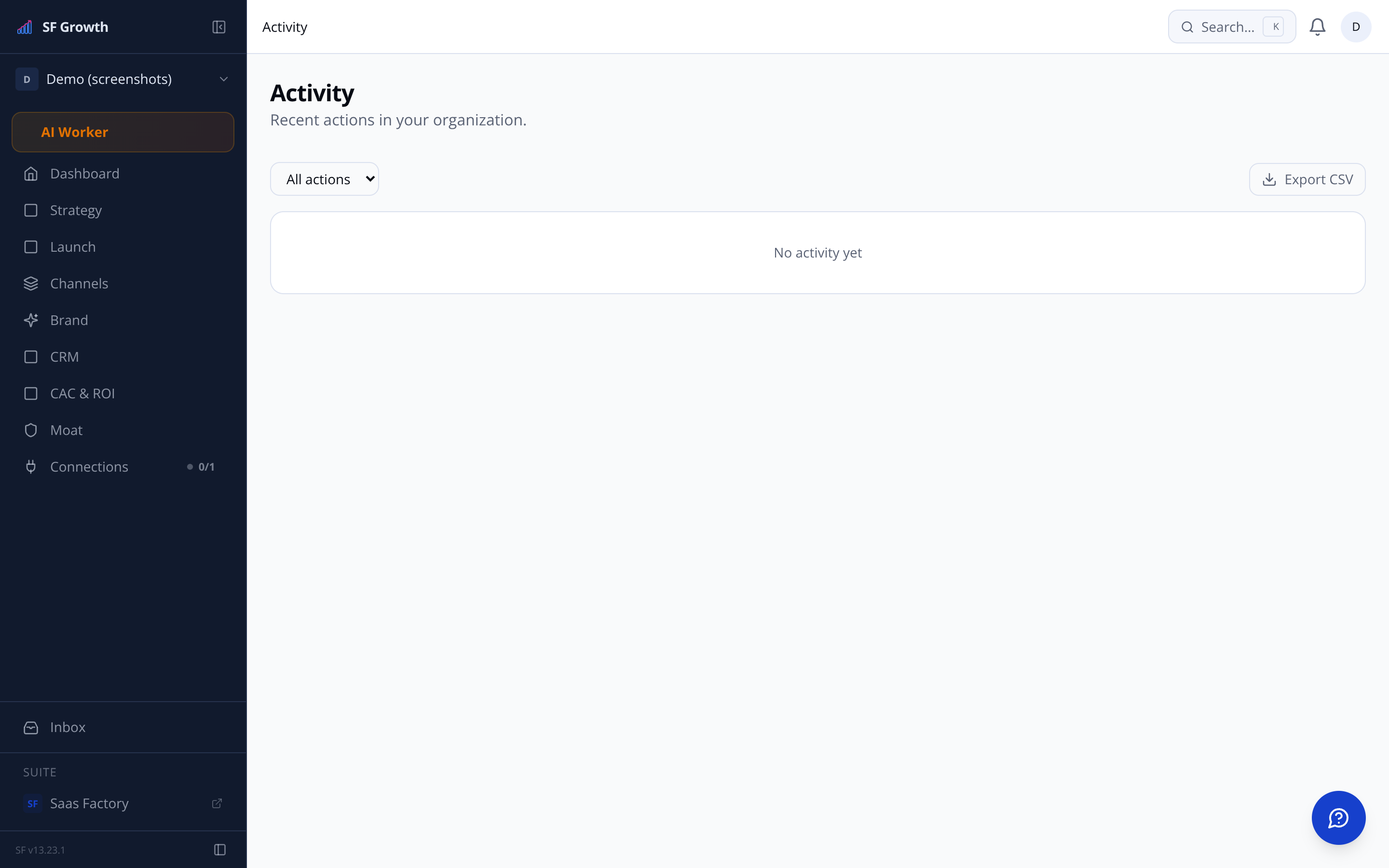
The activity feed shows real-time sub-agent actions across every section — strategy refreshes, competitor scans, channel drafts, CRM updates. Nothing happens in the dark.
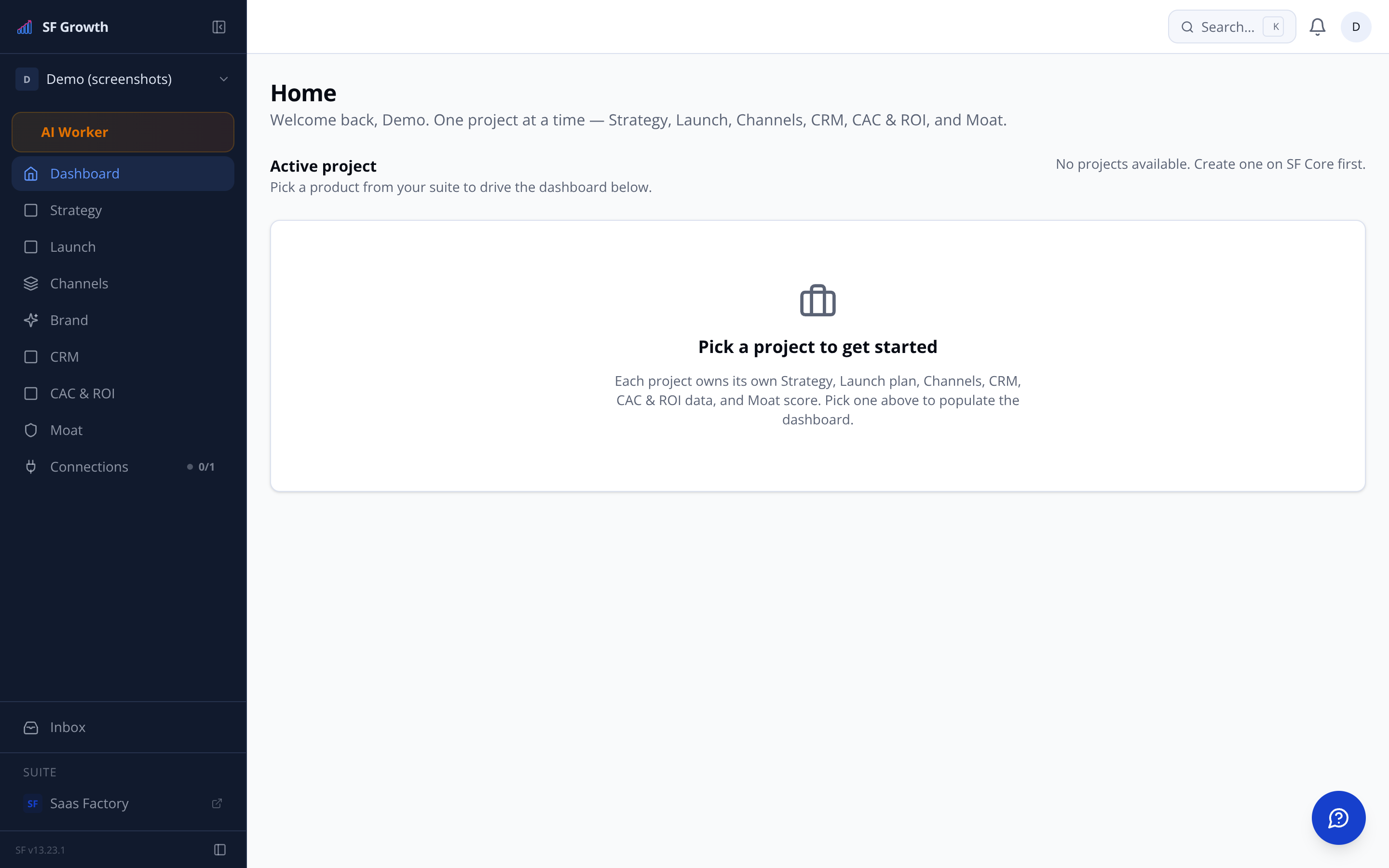
Pulsing live ticker on the home dashboard
Per-section activity logs with timestamps
Agentic mode can be toggled off at any time
Still have a question?
Email us at sf-core-org-support-sf-growth@saas-factory.ai — or join the waitlist and we'll answer in your onboarding.